/eh/2025-01-08/173633966714069467/picture.png)

/eh/2024-12-24/173503345348979036/Favorite-Icon.png)
/eh/2025-07-08/1751962110204480194/picture.png)
/eh/2025-06-21/1750485478958537574/countryInfoIcon.png)
/eh/2025-06-21/1750485741321434291/Hi-Sign-in-My-Nihao.png)
/eh/2025-06-21/1750485837193896318/cart.png)
/eh/2025-06-21/1750485968202533847/cart.png)
/eh/2025-04-17/1744862476612819675/hot-img.png)
/eh/2025-11-07/1762504524550532584/header-icon.jpg)
/eh/2025-07-07/1751875582852206790/header-icon.png)
/eh/2025-07-07/1751875587886277738/header-icon.png)

Best in 7 days


Shopping security
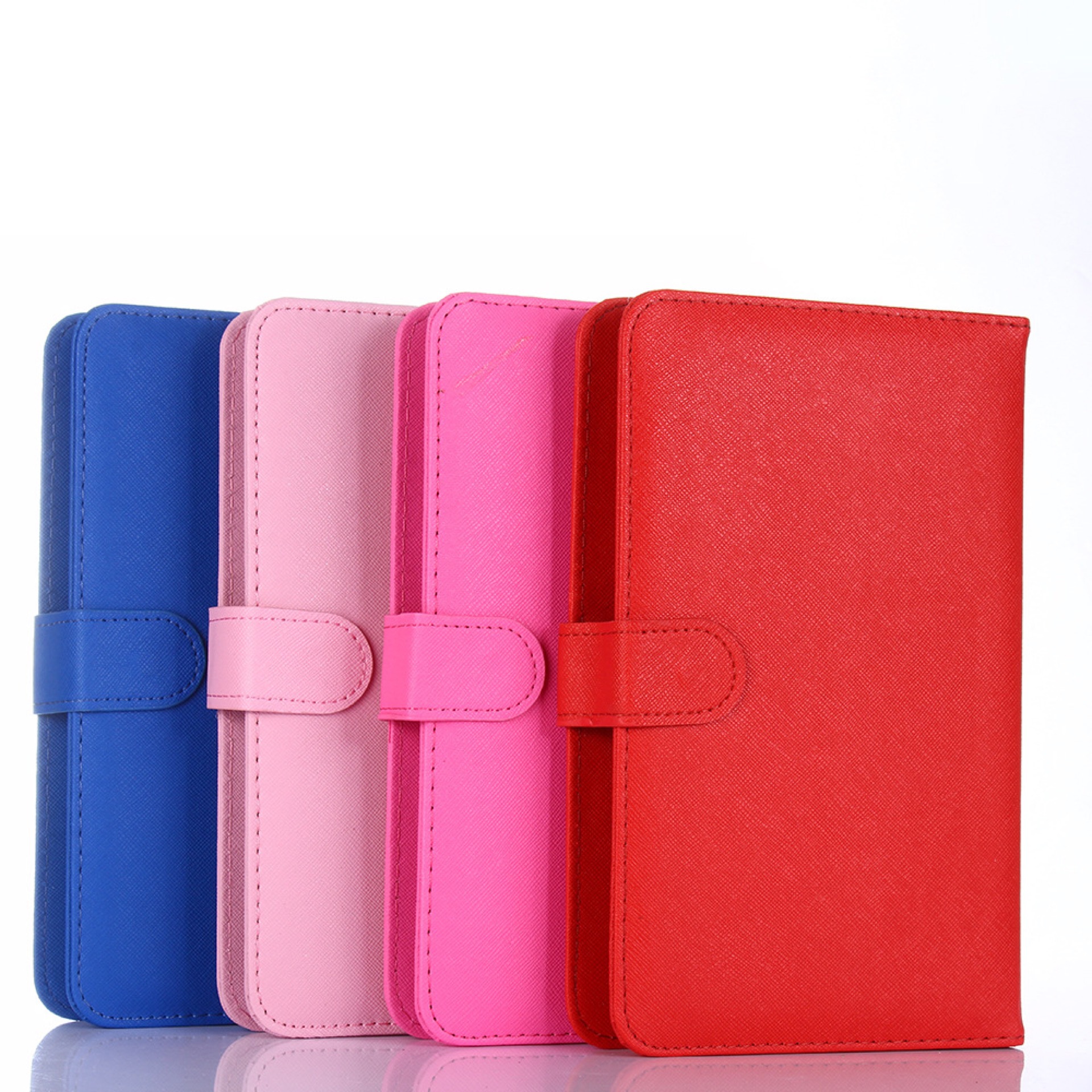
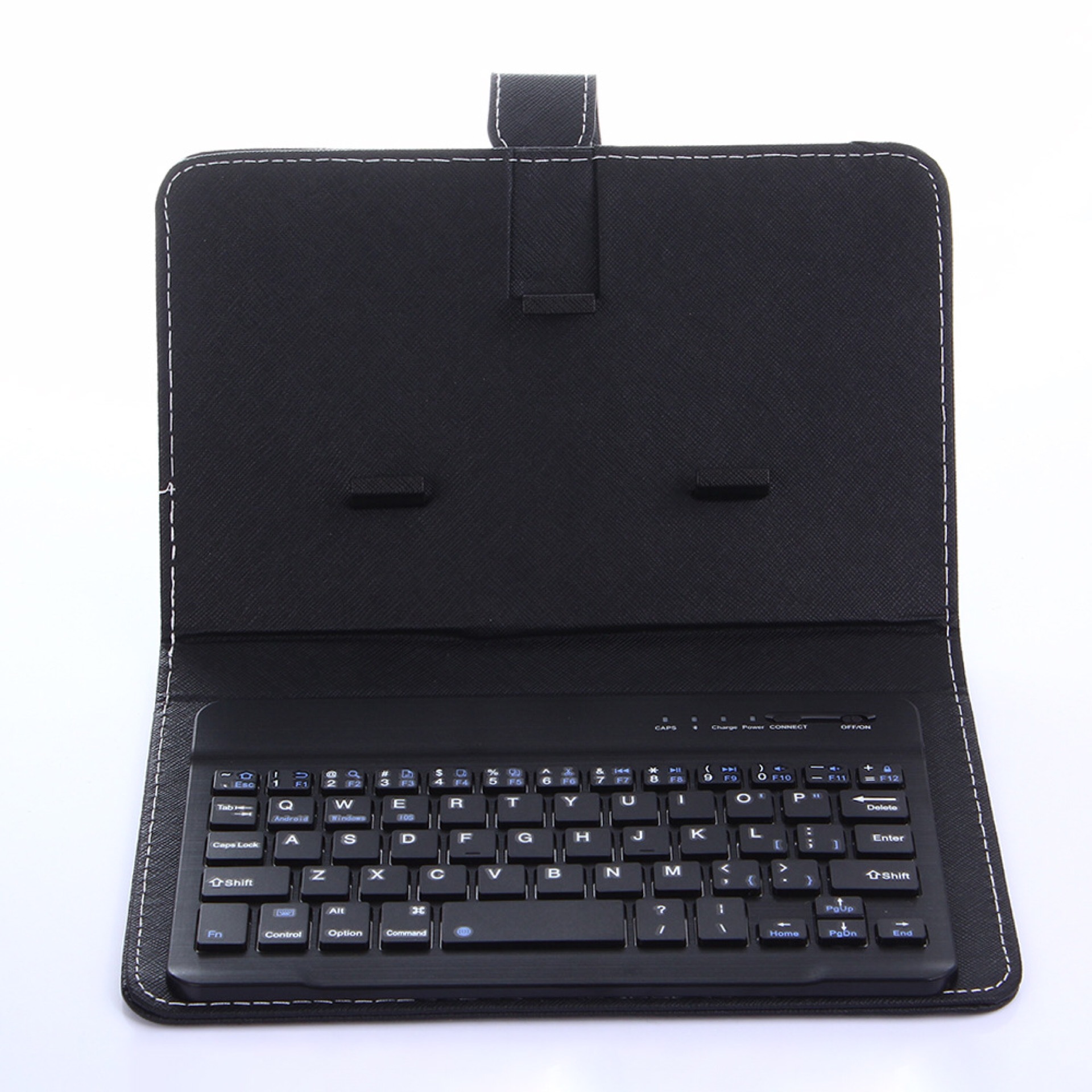
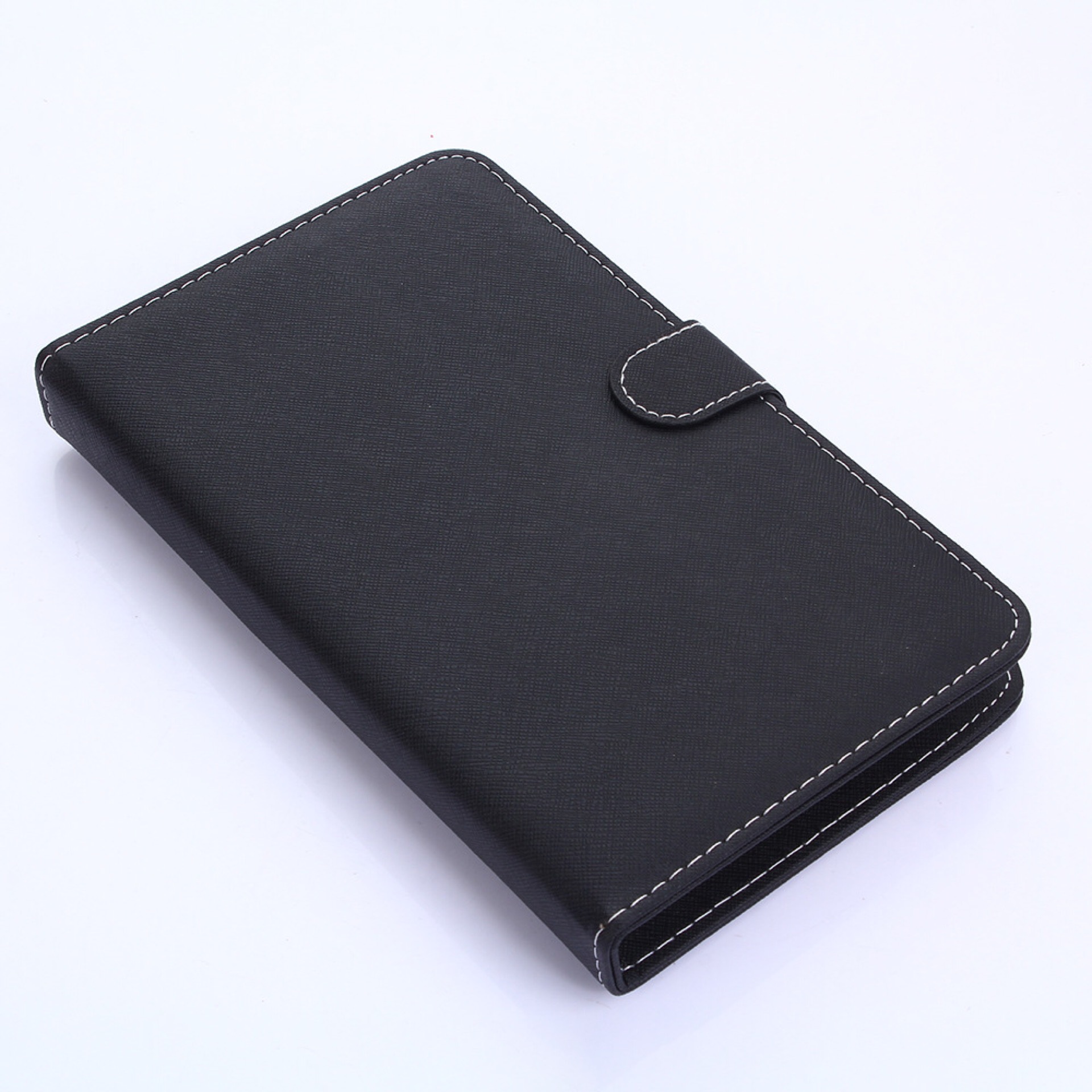
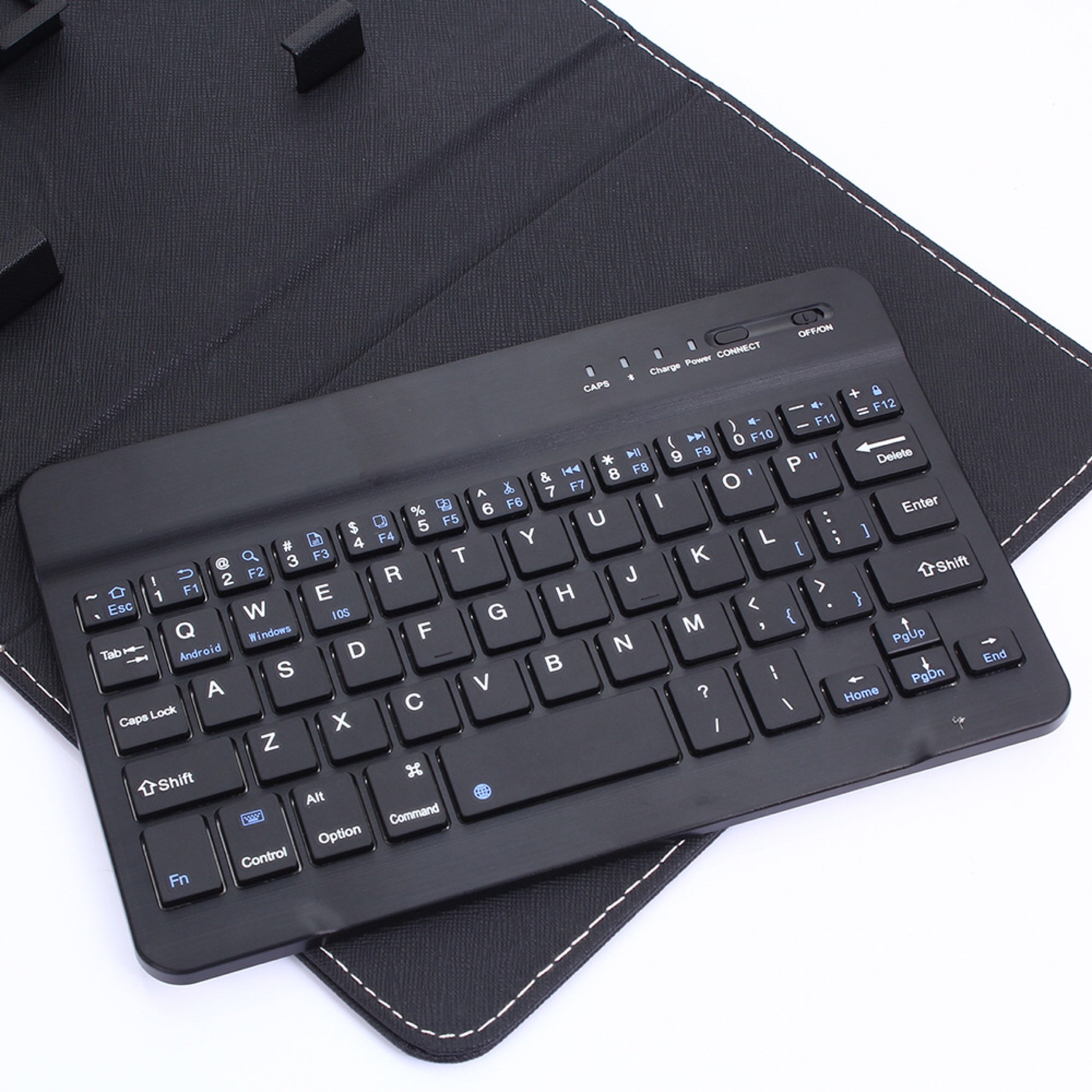
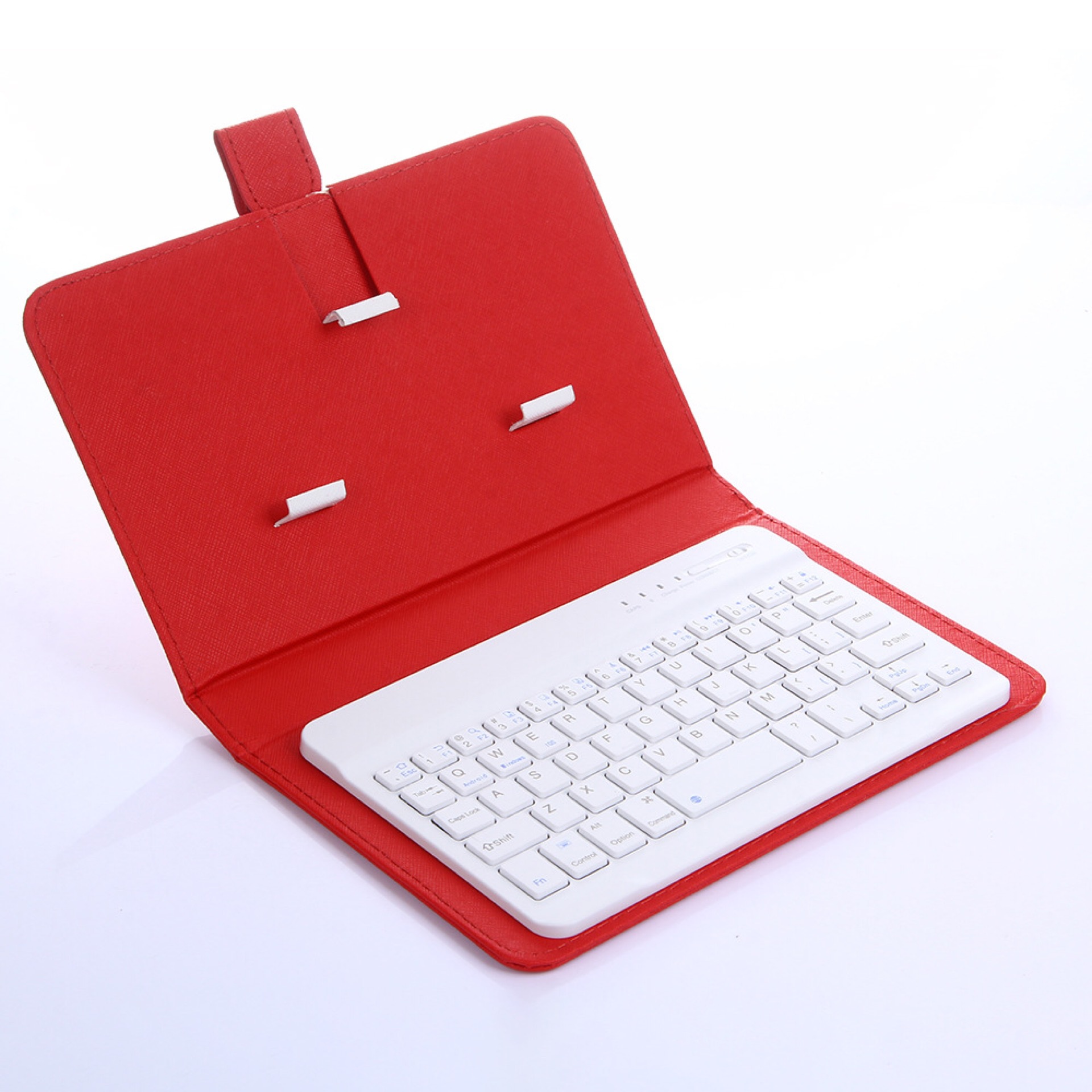
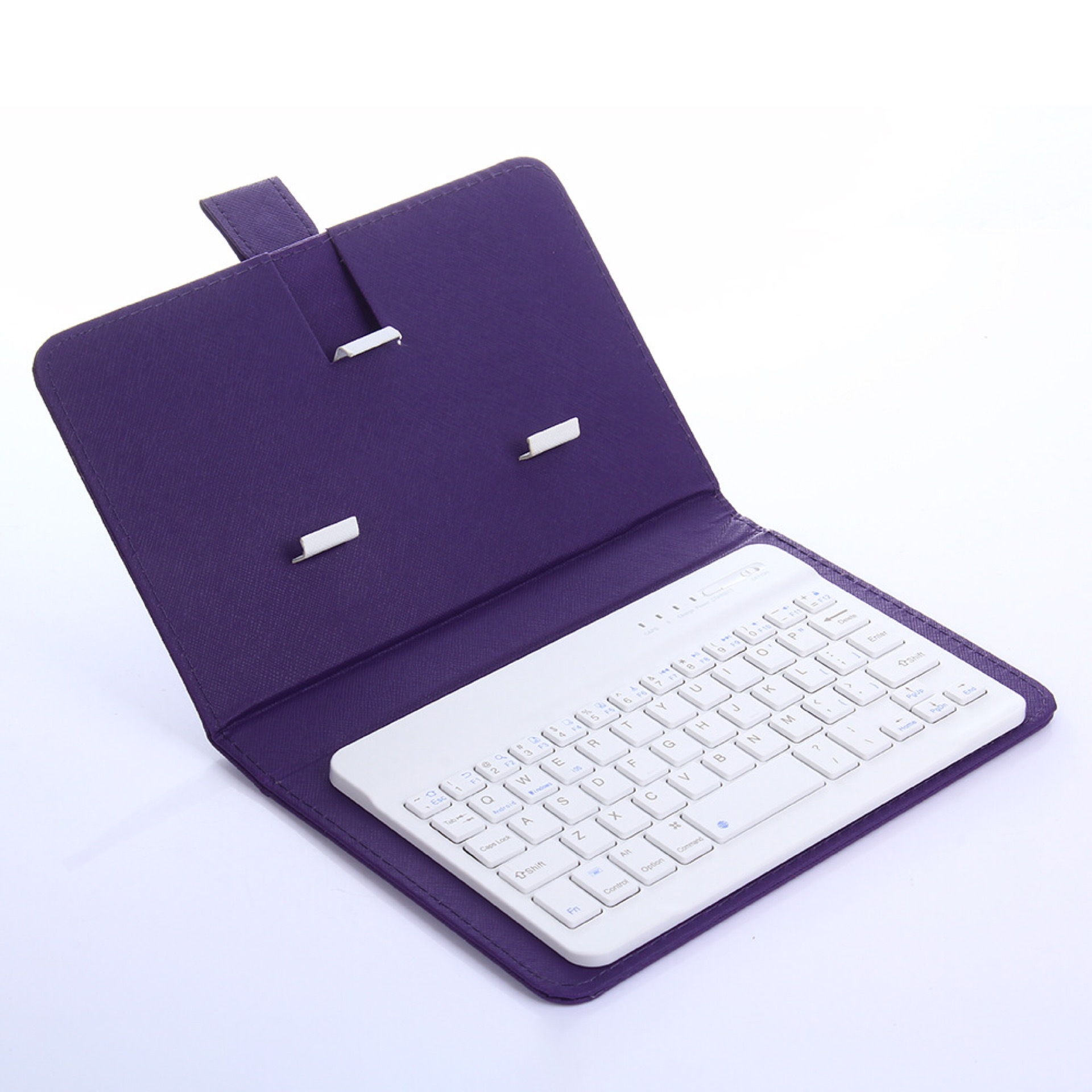
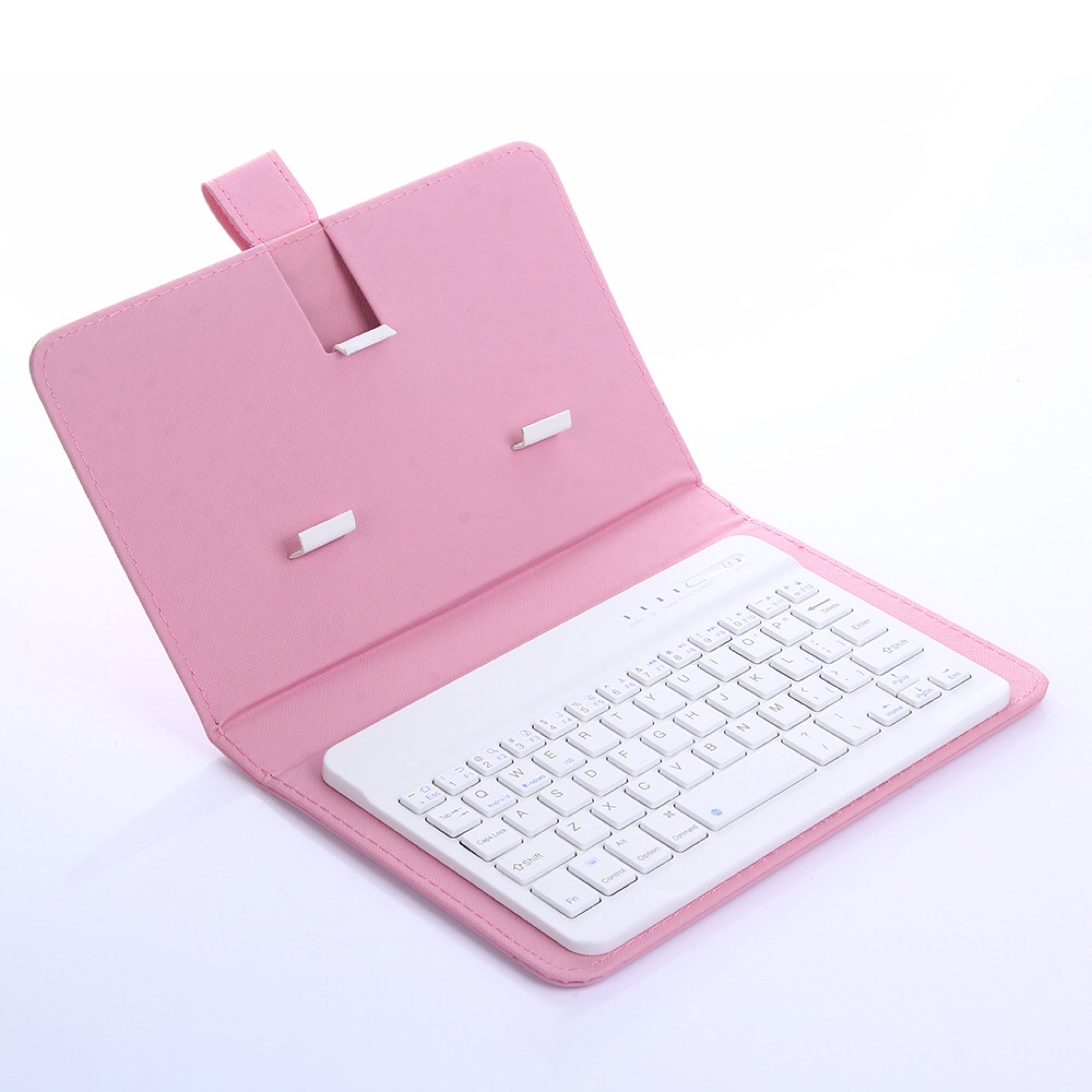
Introducing the HKM-955347 Ultra-Thin Leather Case with Bluetooth Keyboard for Mobile Devices, a perfect blend of style and functionality designed to elevate your mobile experience. Engineered to comply with Bluetooth 3.0+HS standards and certified with BQB, FCC, CE, and ROHS, this accessory ensures a reliable and secure connection to your devices.
With an impressive operating range of over 10 meters, you can comfortably type from a distance without hassle. The 2.4GHz modulation method provides consistent performance, while the low power consumption features—operating current below 4.0MA and standby current at just 20UA—make it an ideal choice for extended use. The HKM-955347 boasts an incredible standby time of 100 days, ensuring that it’s ready when you are.
The design is user-friendly and straightforward. Simply turn on the ON/OFF button, press the CONNECT button to activate the Bluetooth mode, and pair it with your mobile device. The default name displayed for the keyboard case is Bluetooth 3.0 Keyboard, making the connection process intuitive. Enter the prompted four-digit password, and you are all set to enjoy seamless typing.
In terms of comfort, the keyboard has a keystroke force of 80±10g, providing a satisfying tactile response for your typing needs. This ultra-thin leather case not only protects your device but also enhances its aesthetic appeal.
Elevate your mobile productivity with the HKM-955347 Ultra-Thin Leather Case with Bluetooth Keyboard, designed for those who value both form and function in their tech accessories.
Product information:
1. Comply with Bluetooth 3.0+HS standard; including BQB, FCC, CE, ROHS and other related certifications;
2. The operating distance can reach more than 10M.
3. Modulation method: 2.4GHZ
4. Working voltage: 3.0-5V
5. Working current<4.0MA
6. Standby current 20UA
7. Sleep current <2μA
8. Charging current ≥100mA.
9. Standby time 100 days
10. Keystroke force: 80±10g
Instructions for use:
Step 1: Turn on the ON/OFF button
Step 2: Press the CONNECT button often, and the indicator light of the Bluetooth logo will flash
Step 3: Turn on the Bluetooth switch of the phone at this time, search for Bluetooth devices, the default name of the keyboard case is Bluetooth 3.0 Keyboard
Step 4: Click the Bluetooth 3.0 Keyboard on the tablet or mobile phone, and there will be a four-digit password that prompts you to enter it on the keyboard. For example, it prompts 1234 on the tablet. After pressing on the keyboard, press the Enter key to connect.
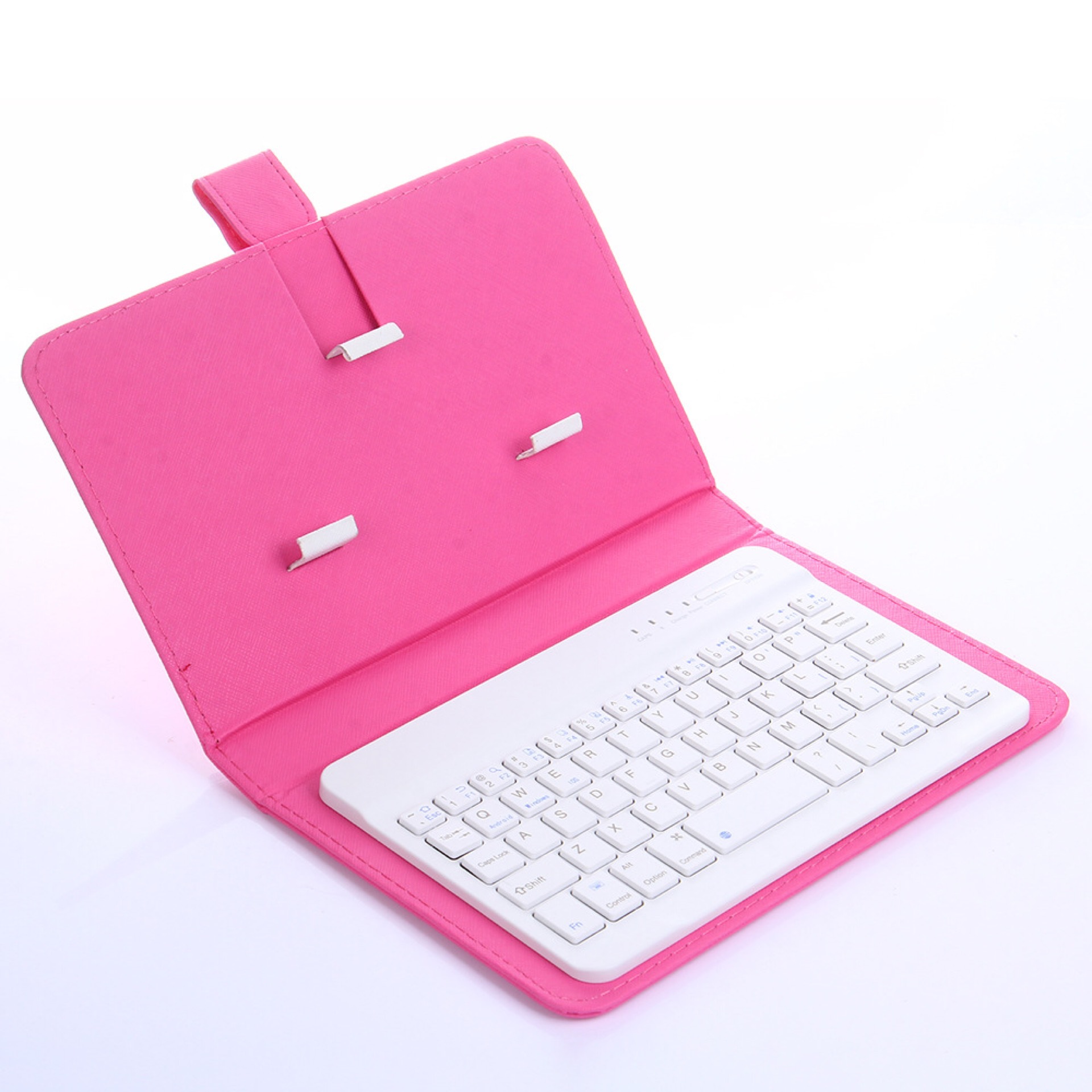
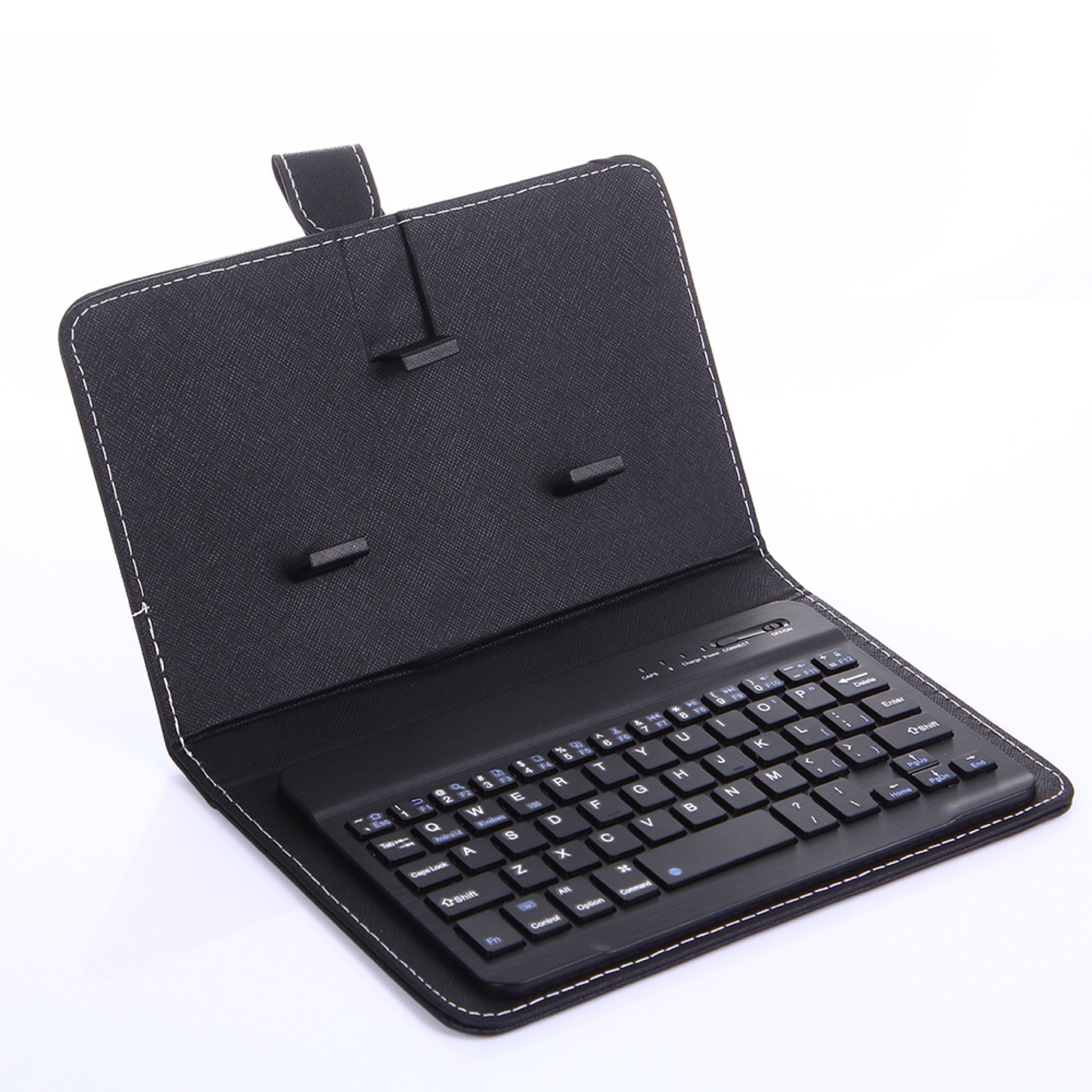
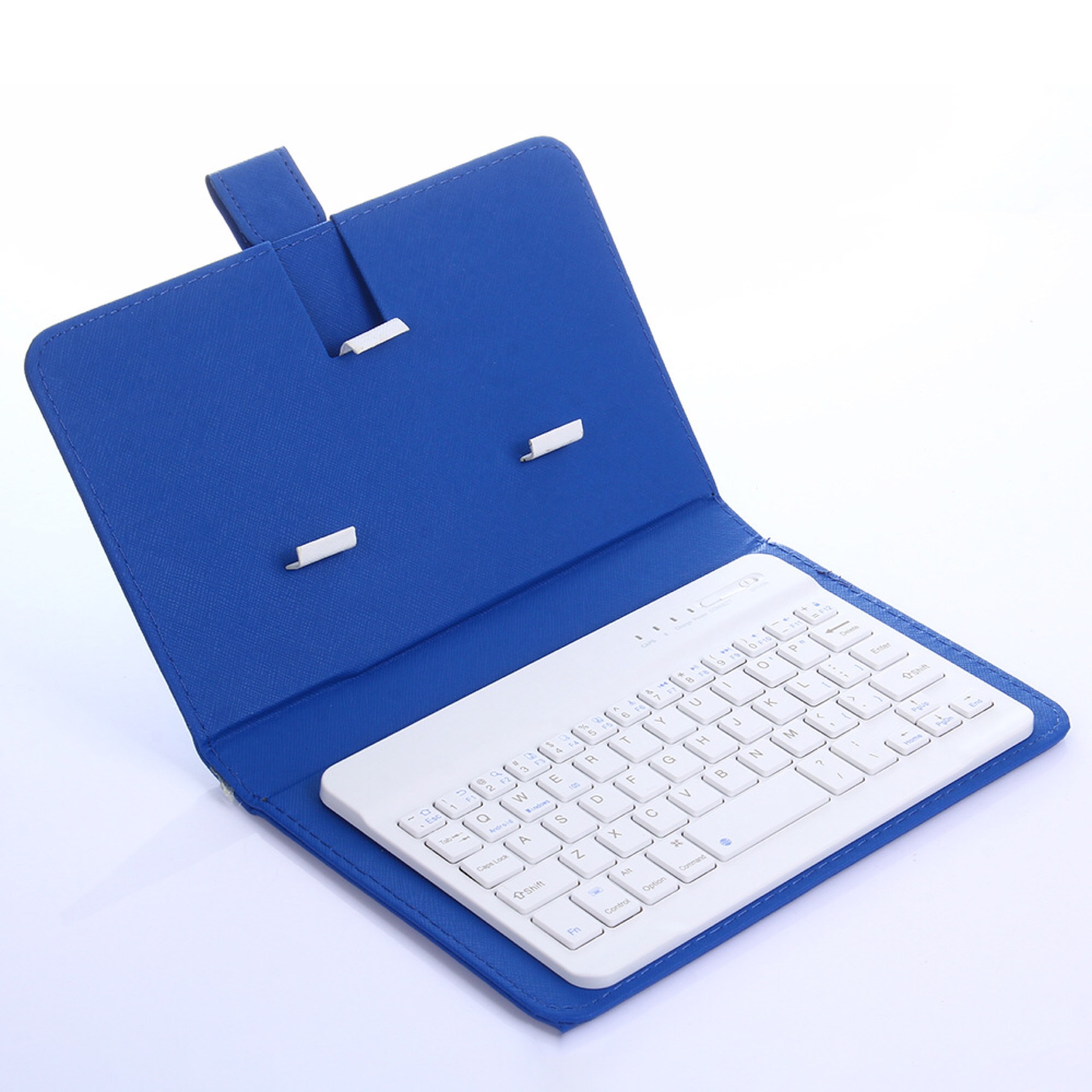
Ships within 48 hours · Estimated delivery Oct 10 - Oct 15
US$40
Get nowSign up to your membership to get coupons up to
15%
Get nowOpportunity to enjoy order discount up to 15% off
Top-Converting Item to Boost Your Average Order


![Jirachi EX (60/101) [Black & White: Plasma Blast]](https://cdn.shopify.com/s/files/1/0606/6910/0168/products/41836def-9e98-481f-9258-52ffd52ff12e.png?v=1701505731)